Vibe Coding Was Great Until My Stream Broke. Here's What I Fixed.
Everything felt magical while prompting AI agents—until token generation froze at 80% without an error message. Here is what actually broke underneath.
The Unsponsored Verdict
The 2:00 AM Freeze
“Vibe coding”—the practice of prompting an intelligent model, watching files compile, and riding the flow state—is intoxicating right up until the exact moment reality hits a network socket.
It was a Tuesday night, shortly past midnight. I was running a large refactor using an agentic coding tool. The model was in the middle of streaming a 400-line database migration and repository overhaul.
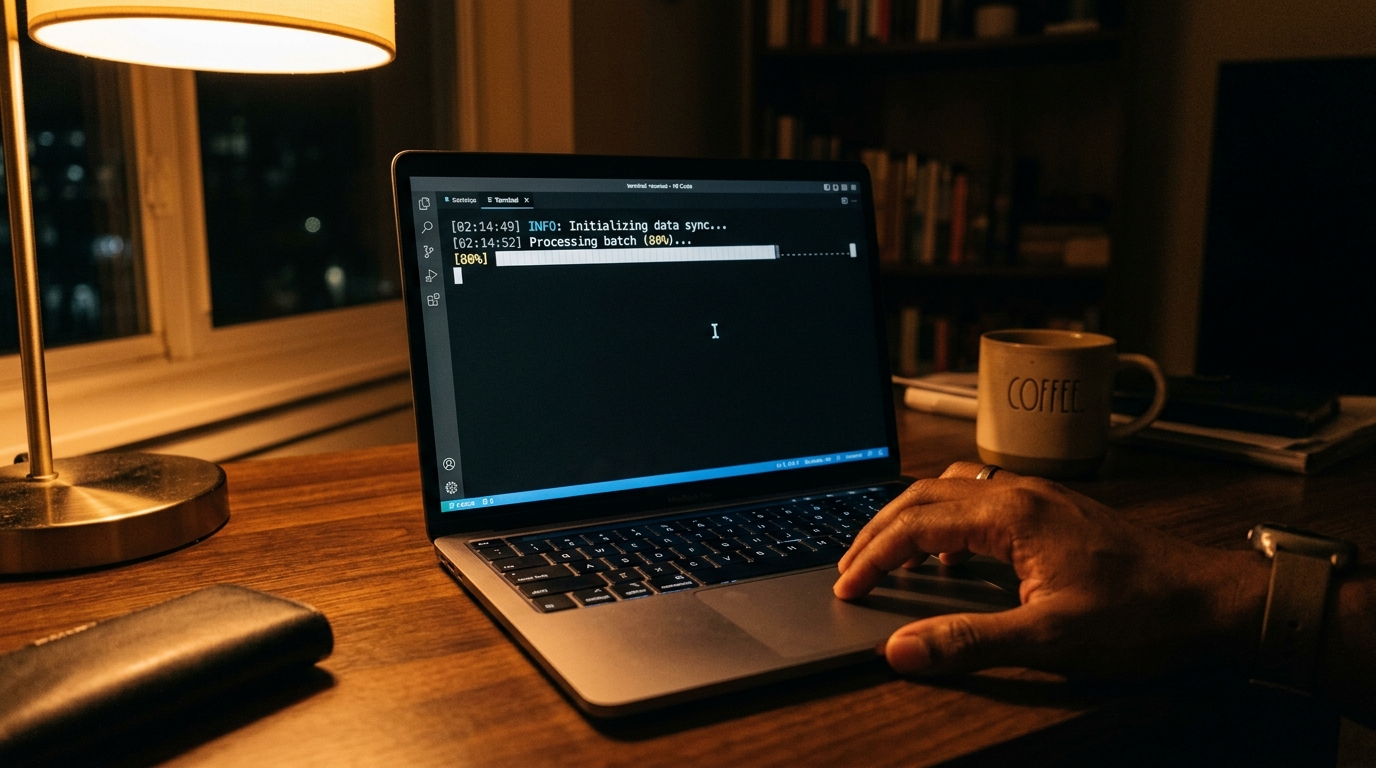
The terminal progress bar was at 80%.
And then: nothing.
No error message. No stack trace. No exit code. The cursor just blinked calmly in the darkness.
[02:14:49] INFO: Initializing data sync...
[02:14:52] Processing batch (80%)... [████████████████████          ]
_ (cursor blinking)
I waited two minutes. Then five. Then ten. The connection hung until the client socket finally timed out with an unhelpful ECONNRESET.
When You Ask the AI What Went Wrong
Naturally, I pasted the log snippet back into the AI assistant and asked what happened.
The assistant gave me the standard canned answers:
- “Check if your database has locked tables.”
- “Try increasing the max token limit in your config.”
- “Perhaps your RAM is full.”
None of those were true. My RAM was at 45%. The database was idle. And the token limit was nowhere near its ceiling.
The problem with relying solely on generative models for debugging network infrastructure is that the model rarely thinks about the physical wire or intermediate proxies. It assumes the software runs in a frictionless vacuum.
The Real Culprit: The Three Hidden Friction Points
After five hours of tracing packets with tcpdump and inspecting reverse proxy logs, here is what had actually killed the stream:
1. Reverse Proxy Response Buffering (Nginx / Cloudflare)
By default, most reverse proxies attempt to buffer incoming HTTP responses before forwarding them down to the client. For standard web pages, buffering improves throughput.
For Server-Sent Events (SSE) and token-by-token streams, buffering is catastrophic:
# The fix in your reverse proxy config:
proxy_buffering off;
proxy_cache off;
proxy_set_header X-Accel-Buffering "no";
Without X-Accel-Buffering: no, intermediate proxies hold chunks in memory until an internal buffer fills up. If the model pauses for 3 seconds while thinking through a complex SQL query, the proxy assumes the client has disconnected and terminates the connection.
2. MTU Packet Fragmentation on VPNs and Mobile Hotspots
If you work from cafes or tether through mobile hotspots, your Maximum Transmission Unit (MTU) might be lower than standard Ethernet (1500 bytes).
When an AI endpoint sends jumbo chunks without TCP path MTU discovery resolving properly, packets get fragmented or silently dropped by carrier firewalls:
# Test your actual MTU size to the AI API endpoint:
ping -f -l 1472 api.openai.com
# If it fragments, decrease by 10 until packets pass cleanly
3. Missing Keep-Alive Heartbeats
A model can take 15 to 30 seconds to reason through a difficult code problem before emitting its next token chunk. If your client doesn’t send or receive HTTP keep-alive pings (: ping\n\n) during that window, modern load balancers kill the idle TCP socket.
The Verdict
Prompting is fun. But code still runs on physical routers, operating system buffers, and network interfaces.
When your stream breaks at 80%, don’t assume the model failed. Look at the plumbing.
Written by CA
Hobbyist developer, journalist background, Scandinavian walks. Testing AI models and web architecture on a refurbished laptop every Tuesday.